






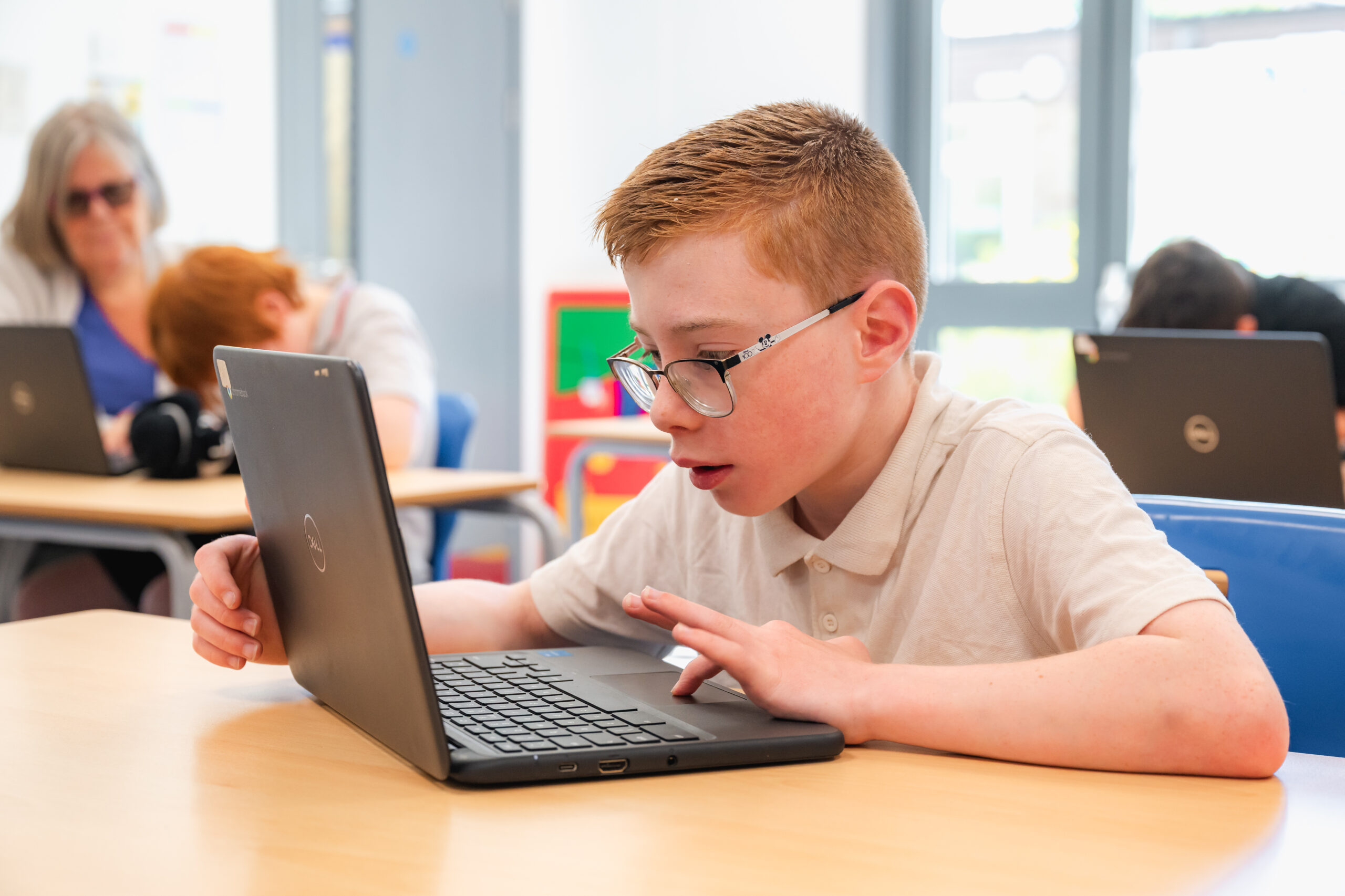
Your internet provider may offer a free filter so you can control the content that you and your family see. You’ll need to manually set-up any device connected to your home broadband
How you do this depends on your provider and you’ll need to access your home router or hub. It’s really easy and simple to do. You can get guidance from UK Safer Internet Centre and Internetmatters.org on how to do this or you can give the experts from the O2 and NSPCC helpline a call 0808 800 5002.
Don’t forget if your child uses their device away from home, then they’ll be able to connect to public WiFi which might not have the same settings.
If your child accesses the internet at home through 3G or 4G rather than using WiFi then they won’t be subject to the parental controls.
** If there are any parental controls for another device you would like that are not listed here, please contact school, and we will try and source them for you.
If you ever feel unsafe, unhappy or see someone being treated unfairly, please let us know. You can use this form to report bullying – for yourself or for someone else. All reports are treated seriously and confidentially.
A member of staff will review your message as soon as possible. If someone is in danger, please speak to a teacher or adult immediately.